
PHOOLPHISHER'S
GOLDEN PHOOL RULES

Scams don’t work because you’re careless. They work because scammers are clever.
Here are the 7 Golden Phool Rules to keep you safe from scammers.

1. Slow Down
If a message makes your heart rate go up, that’s your cue.
Too Good to be True Tricks:
“You won!”
“Won’t last long.”
“Last chance.”
“I’ve got something for you.”
Too Bad to be True Tricks:
“Your account will be closed.”
“You owe money.”
“The police are coming for you.”
“I’m in trouble. Send money.”
Scammers want you reacting, not thinking.
Copy a sentence or two from the message and Google it. If it’s a known scam, someone else may have already complained about it.
Take a breath.
Urgency is their superpower. Calm is yours.
2. Spot the Spoof
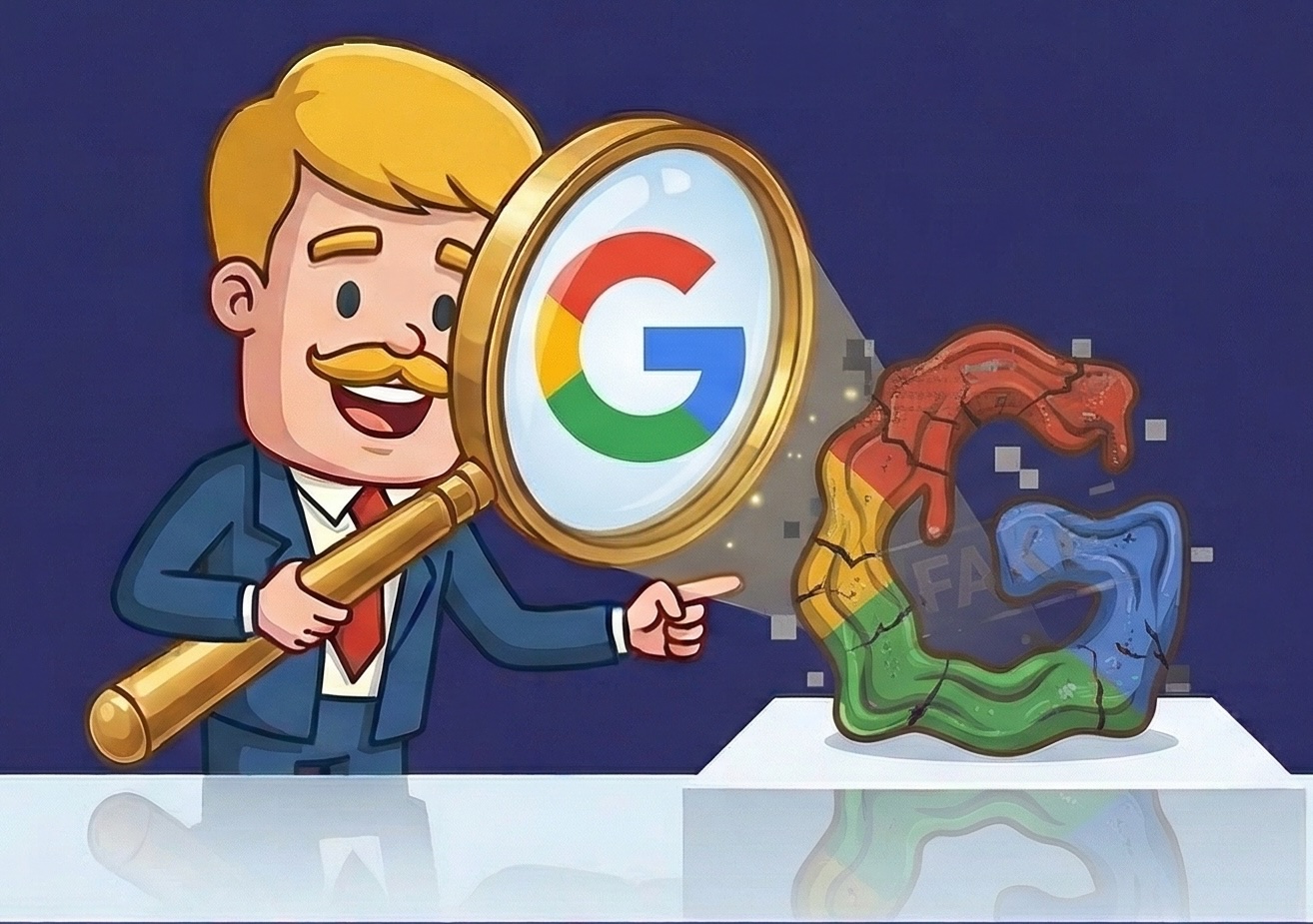
Logos can be copied. Websites can be cloned. Caller ID can be faked.
Even that little lock icon? It just means the connection is encrypted, not that the site is legit.
Inspect the message:
What’s the full email address?
Is the domain spelled exactly right?
Is there an extra word like “-secure” or “-verify”?
If it feels slightly off, it probably is.

3. Don’t Fall for Familiarity
Just because a message knows your name doesn’t mean it knows you.
Scammers can buy or steal:
Your full name
Your address
Old passwords
Bits of personal data
Personal details aren’t proof. They’re bait.
Familiar doesn’t mean safe.
4. Think Before You Click
Most scams start with one click.
If a message says there’s an issue with your account, package, or payment:
Don’t click the link. Don’t call the number. Don’t reply to “fix” it.
Instead find the company’s website yourself:
Type the website yourself.
Use your saved bookmark.
Search the company name independently.
Use links, phone numbers, email addresses from the company’s website instead of the email you received.
5. Don’t Let the Vampires In
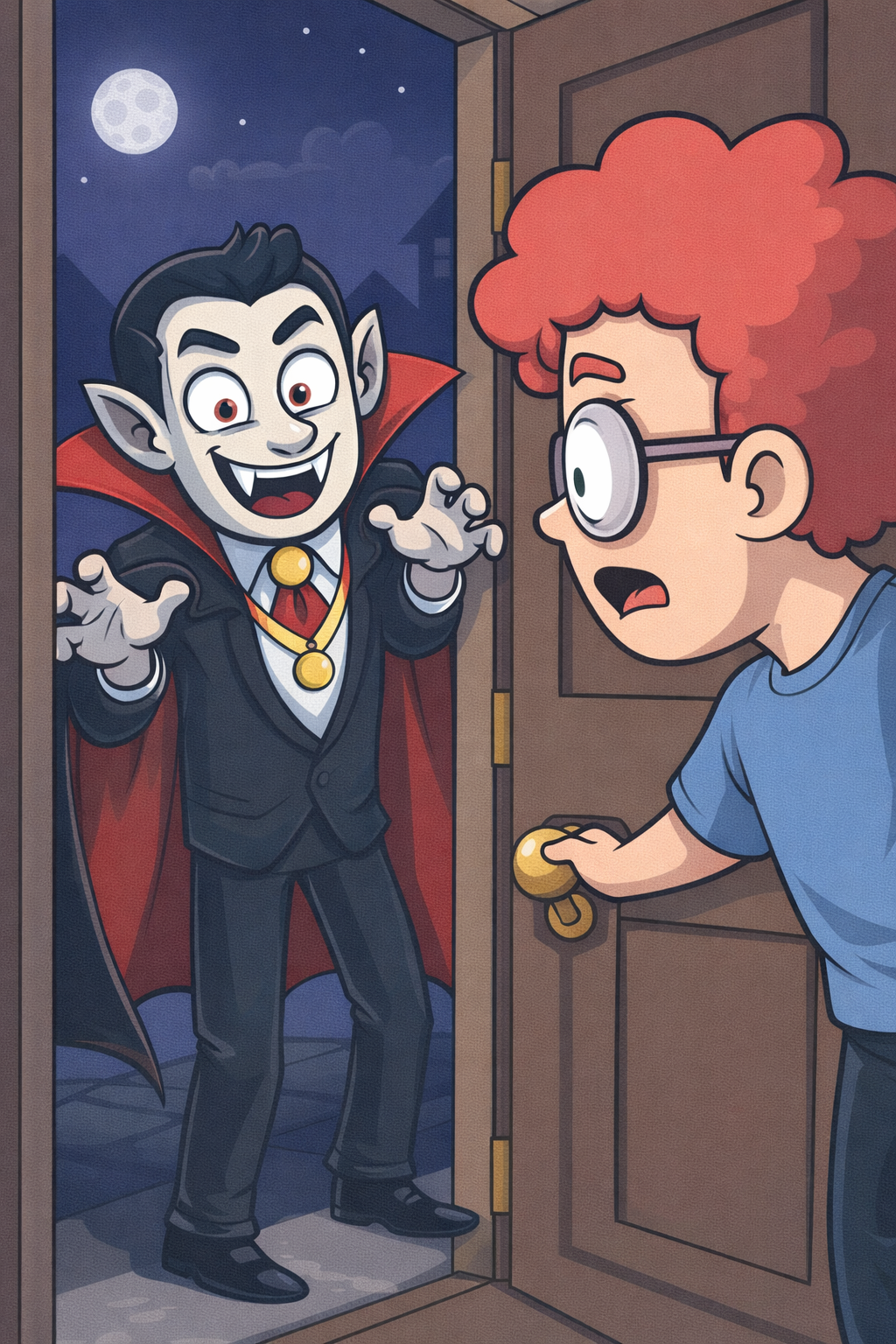
Some links don’t steal your information. Instead, they install things on your device.
Unexpected attachment? Random QR code?
If you weren’t expecting it, don’t open it. Don’t scan it. Don’t download it.
Once malware gets in, it’s much harder to get it out.
6. Keep It Private
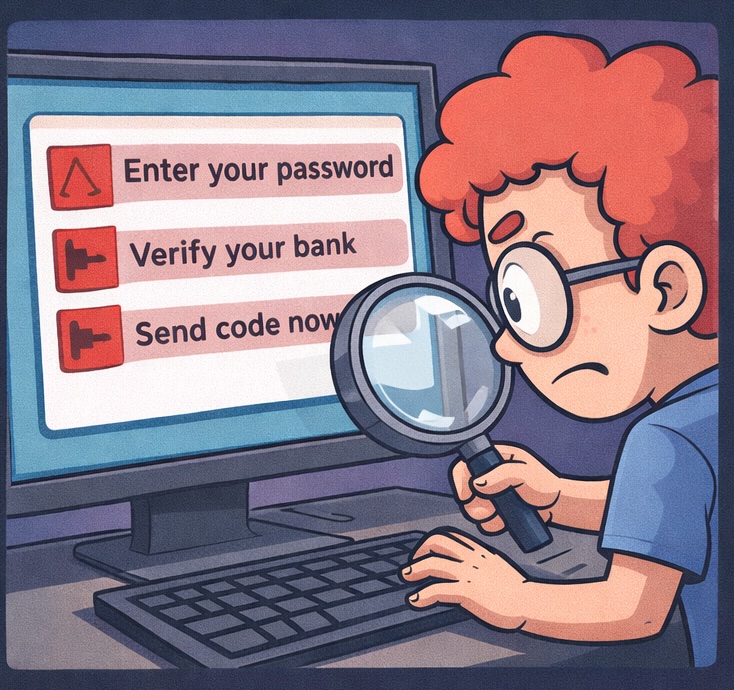
No real company will ask you for:
Your password
A one-time login code
Your Social Security number
Full banking details
Especially not over an unsolicited email or text.
If someone asks for that, the conversation is over.
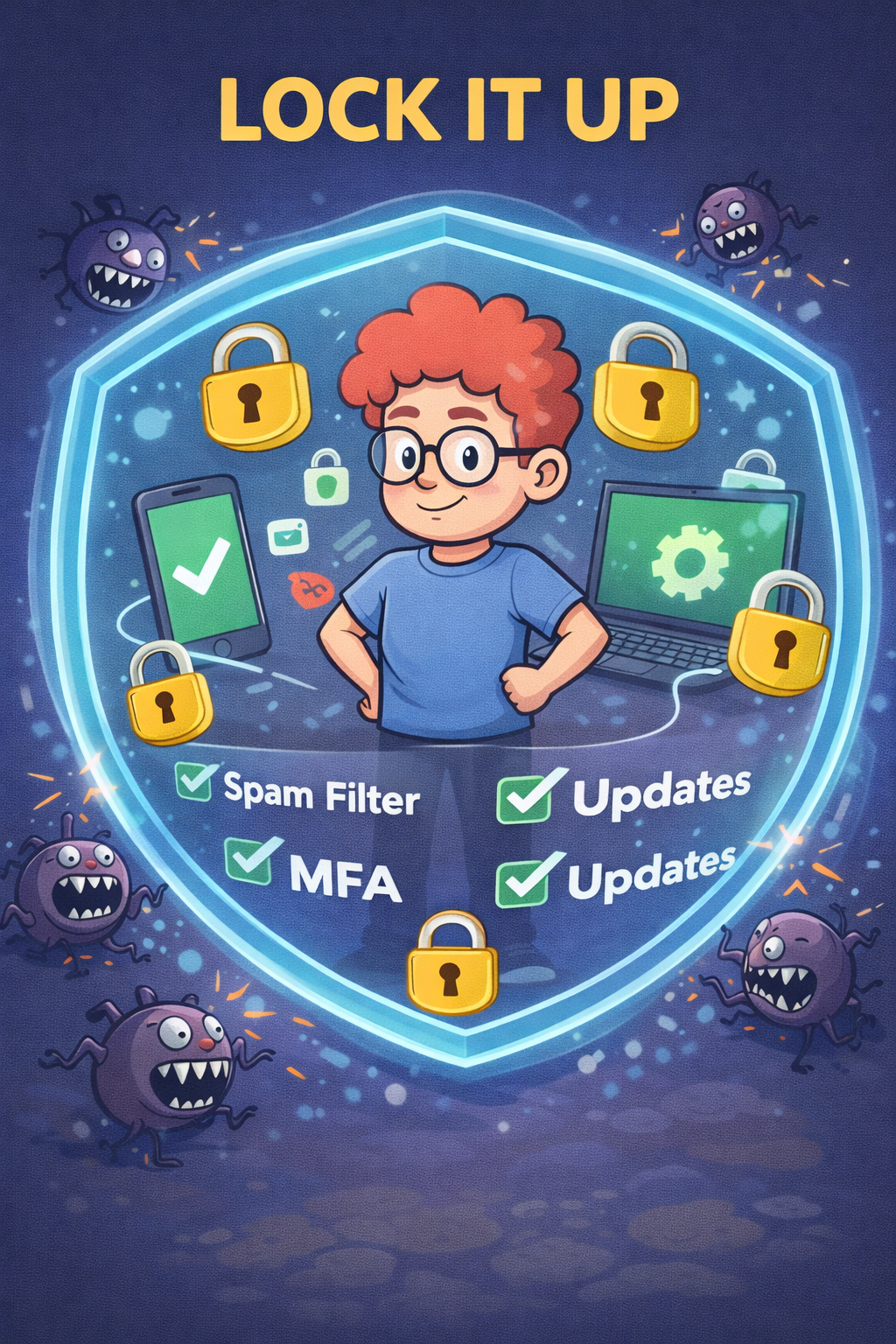
7. Lock It Up
Use the tools already built into your life.
Turn on:
Spam filters
Multi-factor authentication
And keep your:
Phone updated
Computer updated
Apps updated
Updates aren’t annoying. They’re patches for holes scammers are actively trying to crawl through.
Also, don’t reuse passwords or easily guessed ones. Use a secure password keeper so you can have a complex, unique password for each of your accounts.
A lock only works if you don’t give away the key.
The Bottom Line
Slow down. Verify. Protect your privacy. Trust your instincts.